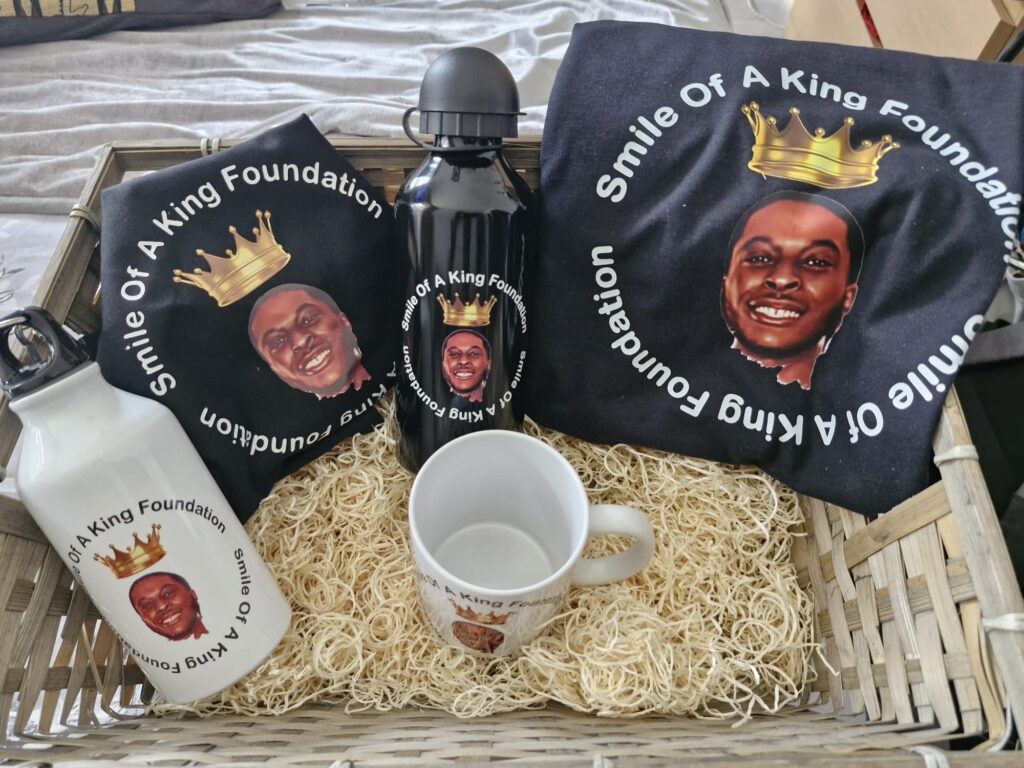
Find your way around: Home page Festival/Carnival Items HelixRadio

Print job requirements

Great prints start with print-ready artwork.

Before we can produce T-shirts, hoodies, mugs, tumblers, slates, signs or other personalised goods, your artwork must be supplied in a format suitable for the chosen print process.

Most important: supply your design with NO BACKGROUND where transparency is required. A white square or coloured canvas behind a logo is still a background and may print exactly as supplied.

Professional customisation & printing

From one-off personalised gifts to business and organisation orders, MRTEESSHIRTS combines professional equipment, careful production and quality materials to create garments and hard goods designed to impress.

Quality technology

Modern equipment. Professional results.

We use the latest technologies from ROLAND and xTool to produce amazing-quality customised garments and hard goods.

Our services cover a wide range of personalisation methods and products, including T-shirts, hoodies, DTF transfers, HTV/vinyl, mugs, tumblers, slates, personalised gifts and other suitable hard goods.

You will be happy you chose MRTEESSHIRTS for your customisation.
We focus on clean artwork, quality production and a professional finished result.
Recommended design software

Prepare your artwork using professional design software

For the best chance of supplying suitable print-ready artwork, we recommend creating and exporting your designs using one of the following:

Professional design

  • CorelDRAW — excellent for vector artwork, logos, text, sizing and print production.
  • Adobe Photoshop — ideal for high-resolution photographic and raster artwork.
  • Adobe Illustrator — recommended for scalable vector graphics, logos and clean line artwork.

Easy online design

  • Canva — suitable for many print designs when the artwork is created and exported correctly.
  • Always export the finished artwork rather than taking a screenshot.
  • For transparent designs, ensure the unwanted background is removed before submission.

See our Canva artwork guide

Whichever software you use, the final file must still meet our artwork requirements. Using professional software does not automatically make low-resolution source material print-ready.

SPECIAL NOTE — Need a little help with your idea?
MRTEESSHIRTS is not a graphic designer or professional design service. However, we may be able to help you develop your idea and come up with the perfect customised product for you, your friends, family or team. If you have an idea but are not quite sure how to turn it into a finished product, talk to us and, where possible, we will help you explore what could work with the products, artwork and printing methods available.

Artwork we can print

Files should be clean, correctly sized and high enough quality for the final product. The larger the finished print, the more important the original artwork quality becomes.

Minimum standard
1
Transparent backgroundFor logos, transfers and cut-out artwork, submit PNG, SVG, PDF or another suitable file with the unwanted background fully removed.
2
High resolutionRaster artwork should normally be created at the intended print size and approximately 300 DPI. Do not enlarge a tiny image and expect it to become sharp.
3
Clean edgesNo white halos, fuzzy borders, compression blocks, unwanted pixels, watermarks or stray background fragments.
4
Correct proportions and sizeTell us the required physical print size. Vector files are preferred where possible because they can scale without pixelation.
5
Fonts and effects prepared correctlyConvert important text to outlines/curves where appropriate, or rasterise the final artwork so fonts and special effects do not change unexpectedly.
Important terms

Customer-supplied garments & personal items

MRTEESSHIRTS aims to offer the best value-for-money garments suitable for your project. If, however, you have your own garment or item that you would like decorated, MRTEESSHIRTS may be able to accommodate your request, subject to inspection and suitability for the required printing or decoration process.

Customer-supplied items are accepted at the customer’s own risk.
Whilst every reasonable care and attention will be taken when producing your project, MRTEESSHIRTS cannot accept responsibility for the suitability of a customer-supplied garment or for damage that may occur during printing, pressing, application, preparation or any other part of the decoration process. This includes, but is not limited to, damage caused by heat, pressure, adhesives, inks, coatings, material reactions, existing defects, or the garment/item proving unsuitable for the chosen process.

No compensation, reimbursement or replacement garment/item will be offered by MRTEESSHIRTS for damage to customer-supplied goods.

If an item is particularly valuable, rare, sentimental or difficult to replace, please discuss this with MRTEESSHIRTS before supplying it for decoration.

By making payment for work involving your own supplied garment or item, you confirm that you understand and accept these conditions.
Why a screenshot is not print-ready

A screenshot records what your screen displayed — it does not recover the quality, transparency or editable information contained in the original artwork.

Screenshot problems

  • Usually too few pixels for a large, sharp print.
  • May include browser bars, icons, crop marks or unwanted background.
  • Transparent areas usually become white, black or another solid colour.
  • Screenshot compression can create fuzzy edges and blocks around text.
  • Small text and thin lines can become jagged when enlarged.
  • A screenshot cannot turn a low-resolution image into a true high-resolution design.

A simple example

A 500 × 500 pixel screenshot enlarged to roughly 10 inches wide only provides about 50 pixels per inch. The same 10-inch print prepared at 300 DPI would be about 3000 pixels wide.

Result: the screenshot may look acceptable on a phone but can print soft, jagged or visibly pixelated on a garment or hard product.

Send the original exported design file, not a screenshot of the design.

Acceptable vs. not acceptable

Requirements vary slightly by process, but these examples are a good guide for DTF, HTV, sublimation and other common personalisation methods.

✓ Usually acceptable

  • Transparent PNG exported at full print size and high resolution.
  • SVG/EPS/PDF vector logo with clean paths and outlined fonts.
  • High-resolution artwork designed specifically for DTF or DTG.
  • Single-colour/vector artwork prepared for HTV cutting.
  • High-resolution full-colour artwork sized to the printable area of mugs, tumblers, slates or other sublimation blanks.
  • Original photographs with sufficient resolution for the intended print size.

✕ Usually not acceptable

  • Phone screenshots, social-media screenshots or images copied from a chat preview.
  • Tiny web images enlarged for a large chest or back print.
  • Logos with a white/coloured rectangle that should have been transparent.
  • Images with watermarks, blur, JPEG artifacts, halos or missing edges.
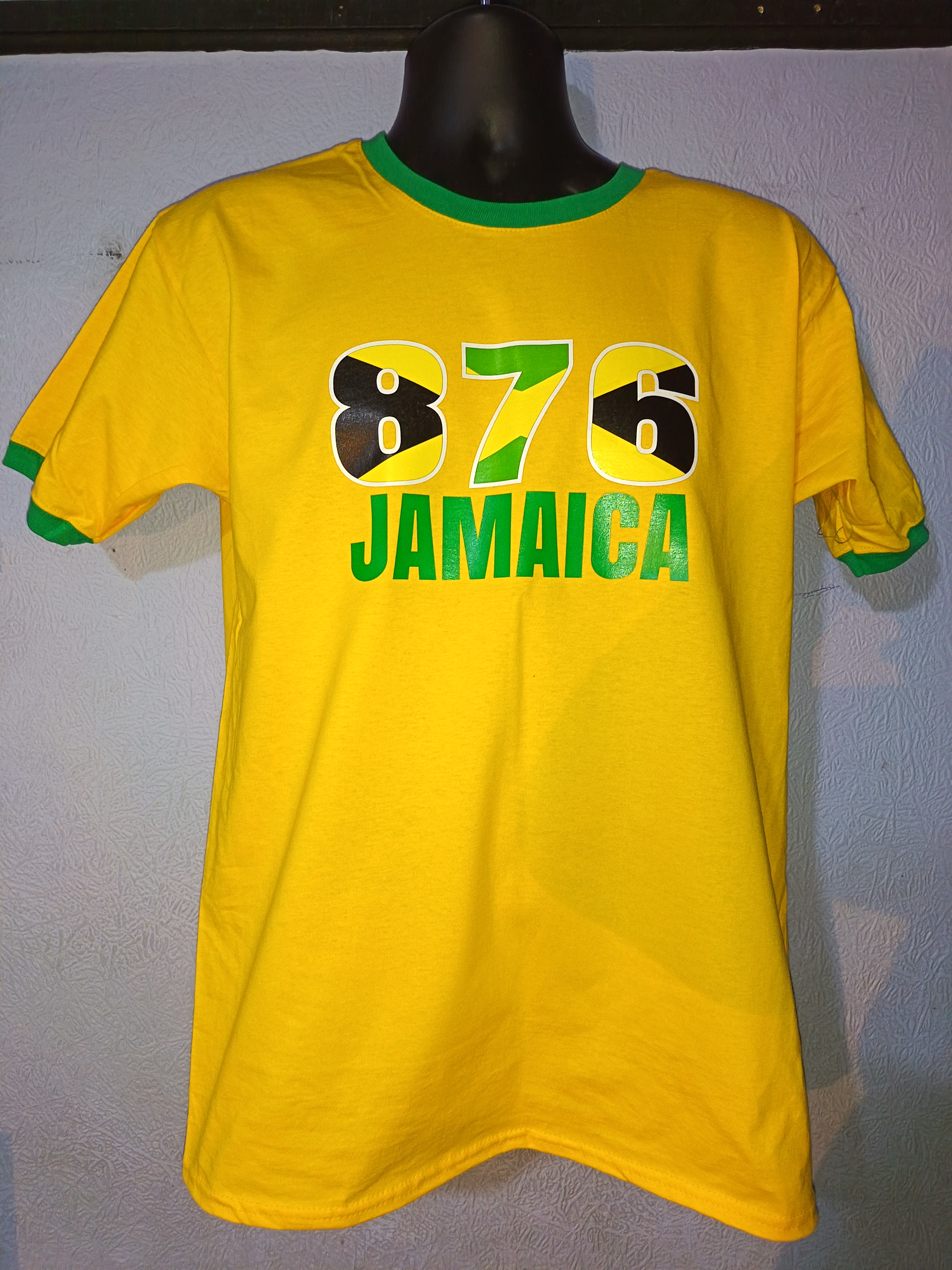
  • Photos of a design printed on another T-shirt instead of the original design file.
  • Artwork with spelling mistakes or elements positioned incorrectly.

How to prepare artwork in Canva

Canva can produce usable artwork when the document is created at the correct proportions and exported carefully.

Create the design at the intended proportions.
Start with a custom canvas that matches the shape and approximate output size you need.
Use the highest-quality original images available.
Avoid importing screenshots or tiny images from social media.
Remove the background when the design needs transparency.
Use Canva’s background-removal tools where available, then inspect edges carefully.
Download the finished design — do not screenshot it.
For transparent raster artwork choose PNG and enable transparent background where your Canva plan supports it.
For logos and simple graphics, use vector/PDF where suitable.
A PDF print export can preserve high-quality text and vector elements. Check that no unwanted page background remains.
Open the exported file and inspect it before sending.
Zoom in to check edges, spelling, transparency and missing elements. Send the exported file itself.

Guide pricing

The prices below are guide prices. They are displayed publicly but can only be changed by editing this page in your WordPress or hosting administration area.

Product / serviceFromNotes
Adult T-shirt — front print£15.00Standard garment, standard-size print
Adult T-shirt — front & back£22.00Subject to artwork and print size
Hoodie — front print£28.00Standard garment
DTF transfer only£5.00Price varies by dimensions
HTV / vinyl personalisation£8.00Simple names/numbers/designs
Mug£10.00Standard sublimation mug
Tumbler£18.00Depending on style/size
Photo slate£20.00Depending on slate size
Artwork cleanup£10.00Quoted after inspection
Background removal£5.00Complex work quoted separately
Vinyl / Printed Vinyl / DTF£20.00Subject to artwork and project requirements
DTG£25.00Direct-to-garment printing
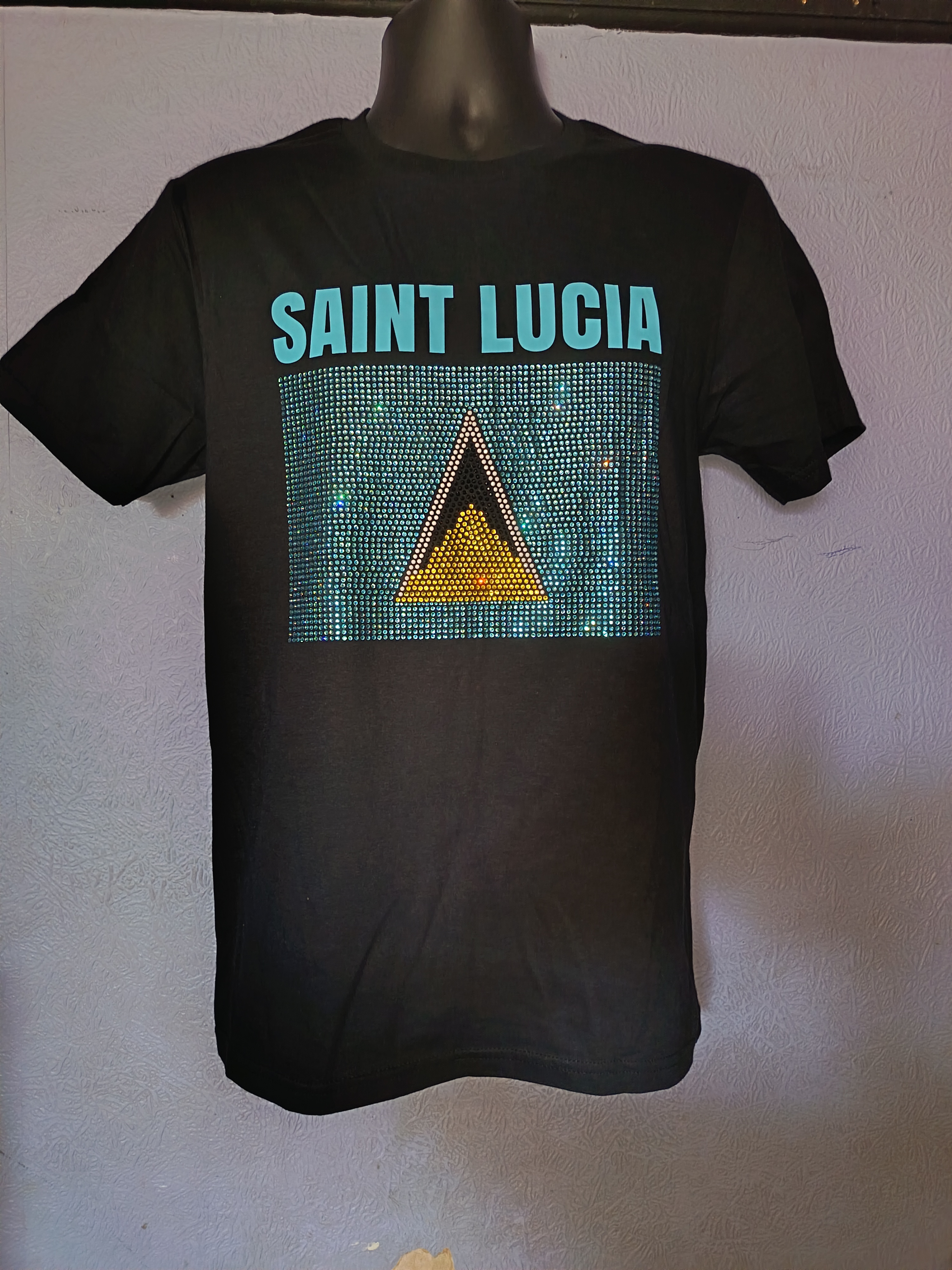
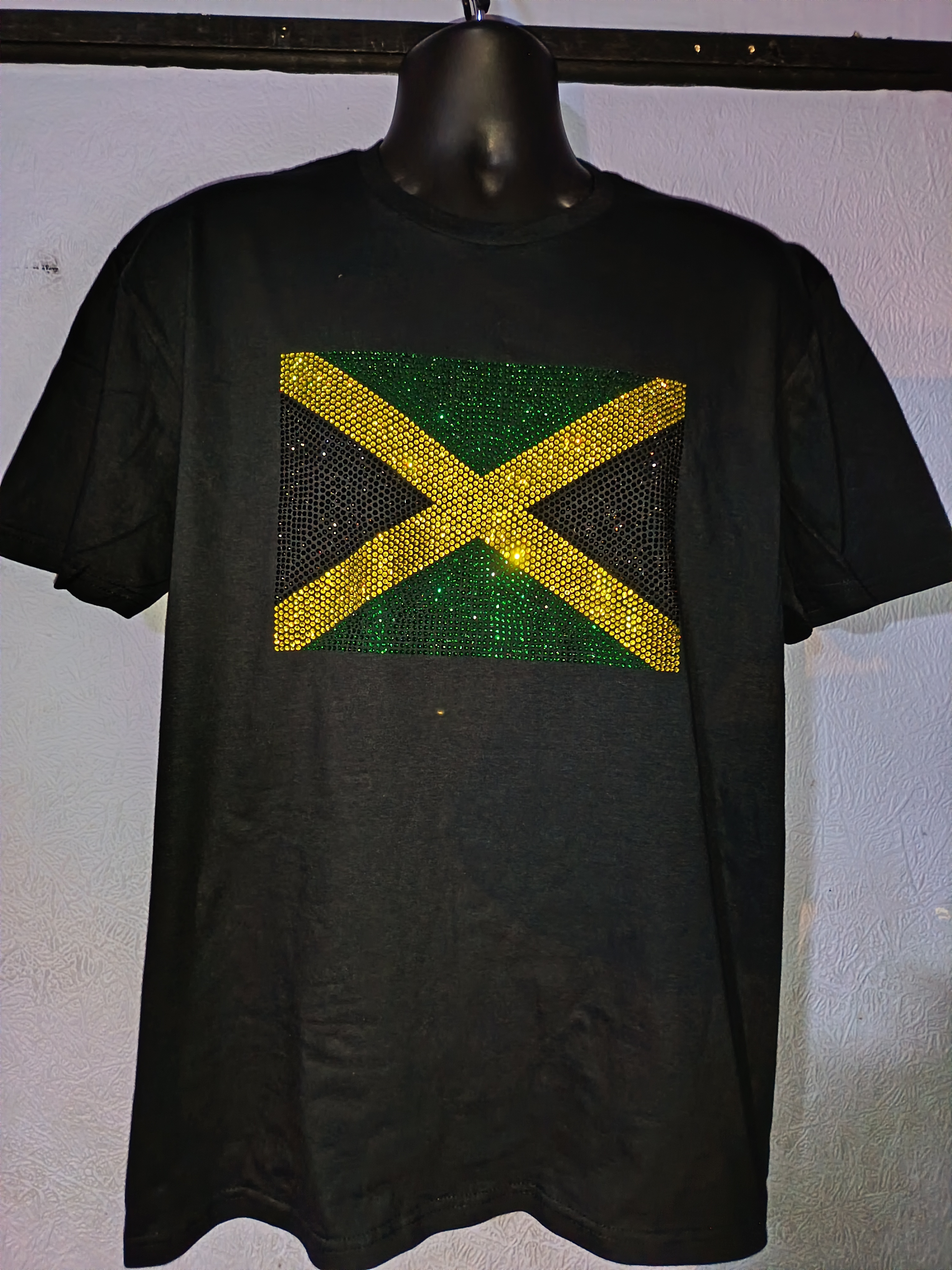
Flag Rhinestones£25.00Custom rhinestone decoration
Printed Vinyl Stickers / Labels£20 / 100Maximum 3" — minimum order 100 pieces
A2 Vinyl Prints£15.00A2 size
Vinyl / Printed Vinyl / DTF TransfersFrom £5.00Price depends on size

Final price may change with garment type, quantity, print dimensions, number of print positions, artwork preparation, specialist materials, rush work or other production requirements.

NOTE — T-shirts are custom-made to your order.
There is no pre-made T-shirt “stock” or catalogue of finished designs to choose from. However, examples of samples and previous orders may be available for inspiration when planning your own customised garment.

Submit a print job

Enter the customer and job details and select the artwork. Job information and artwork should be sent to mrteesshirts@hotmail.com.

Drag & drop artwork here or click to choose files — PNG, PDF, SVG, EPS, JPG and other artwork files
Artwork destination:
All artwork and additional job information should be sent to mrteesshirts@hotmail.com. The button below will prepare an email addressed to MrTeesShirts. For automatic file attachments/uploads without the customer manually attaching files, a WordPress form/upload plugin or server-side mail handler is required.
No job request has been generated yet.

Common questions

Can you print a JPEG?

Yes, when the JPEG is sufficiently high resolution and a background is intended. JPEG does not support transparency, so it is usually not the best format for isolated logos that need no background.

Can you remove my background?

Artwork preparation may be available as a chargeable service. Complex hair, shadows, low-resolution images or damaged artwork can require more work and may need a separate quote.

Does 300 DPI automatically make an image high quality?

No. Changing only the DPI metadata does not create missing detail. The artwork also needs enough actual pixels at the final print dimensions.

Why might colours look different on the finished product?

Screens emit light, while inks, films, vinyl and sublimation dyes interact with physical materials. Garment colour, coating, substrate and print process can all affect the final appearance.

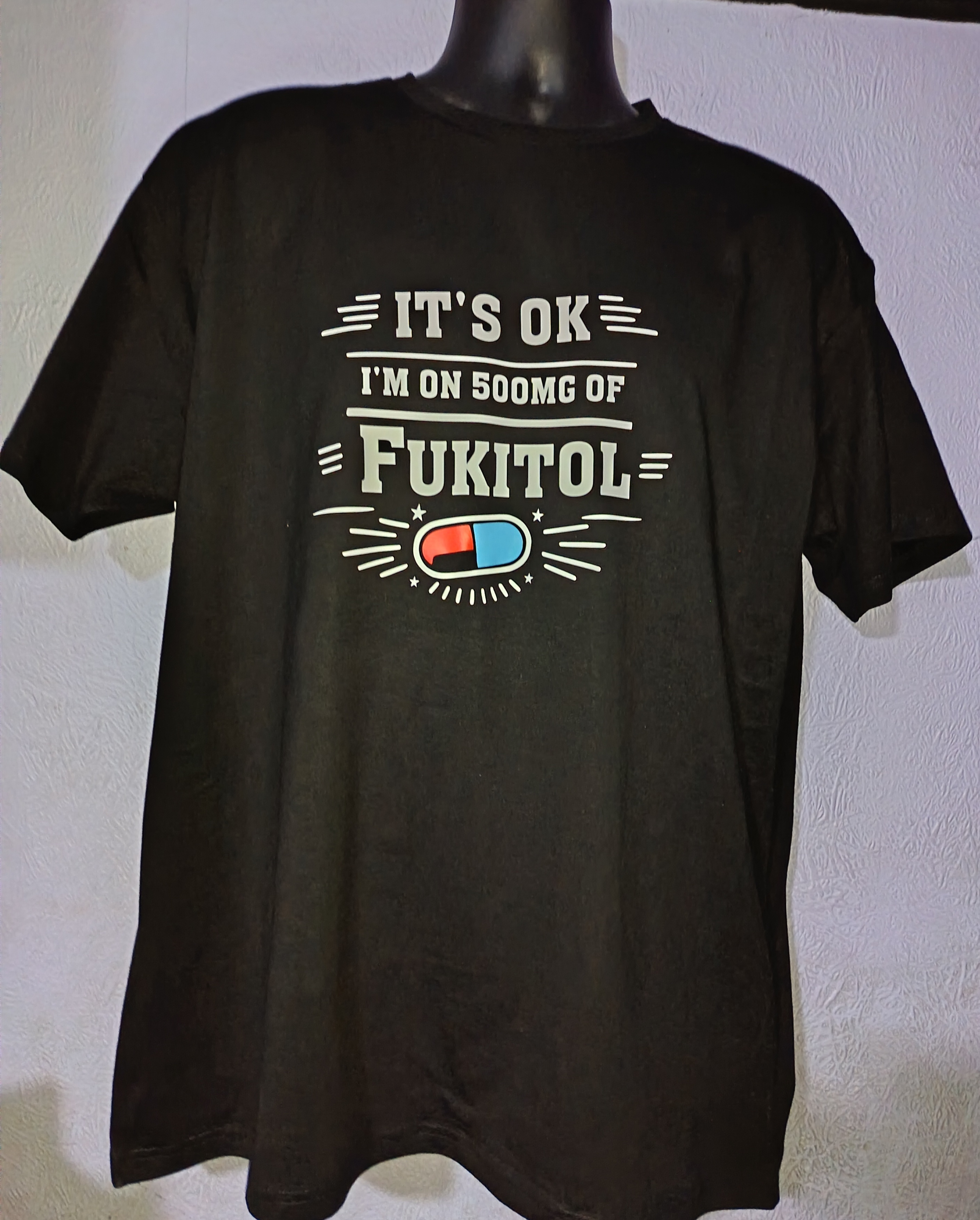
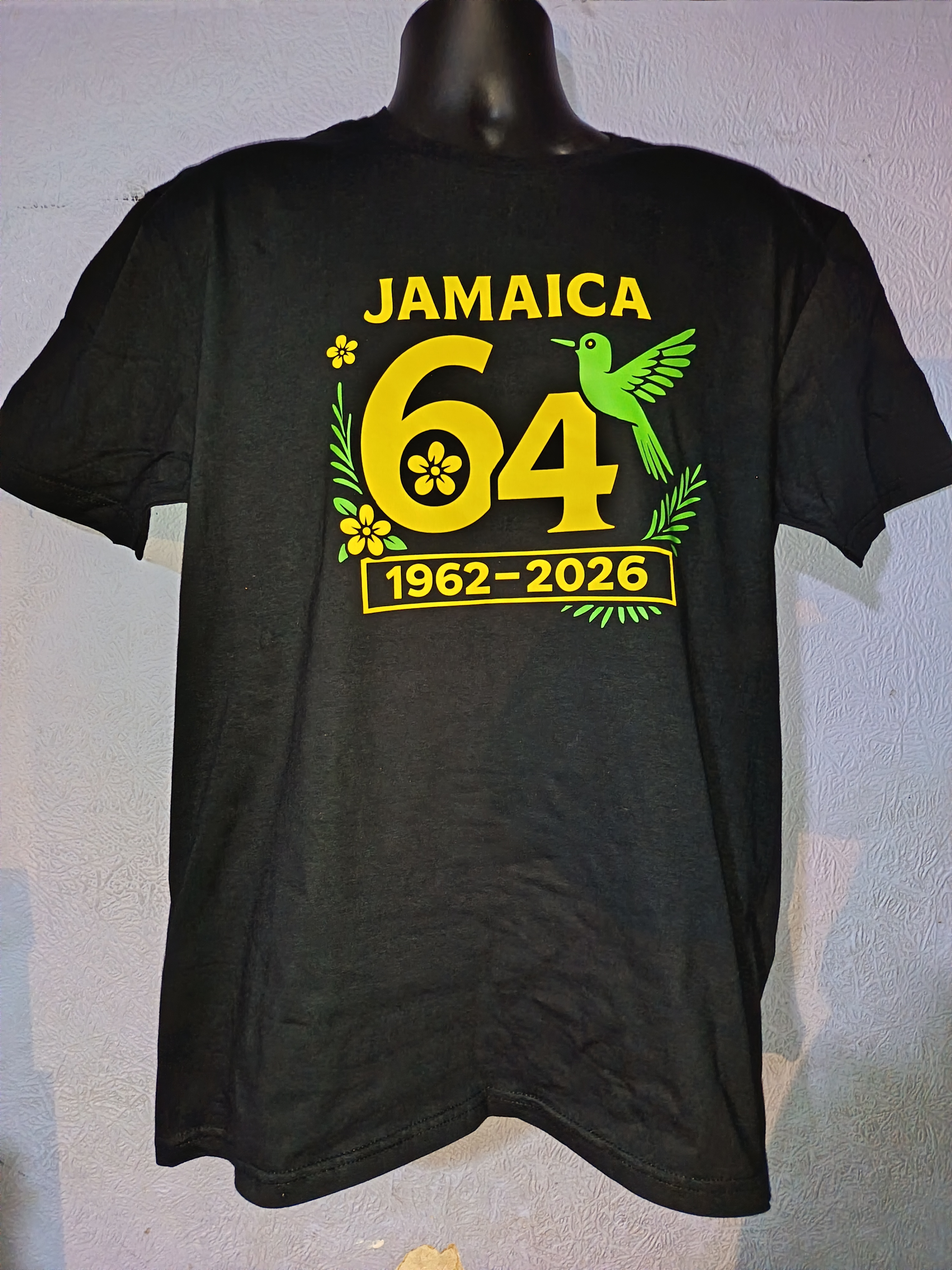
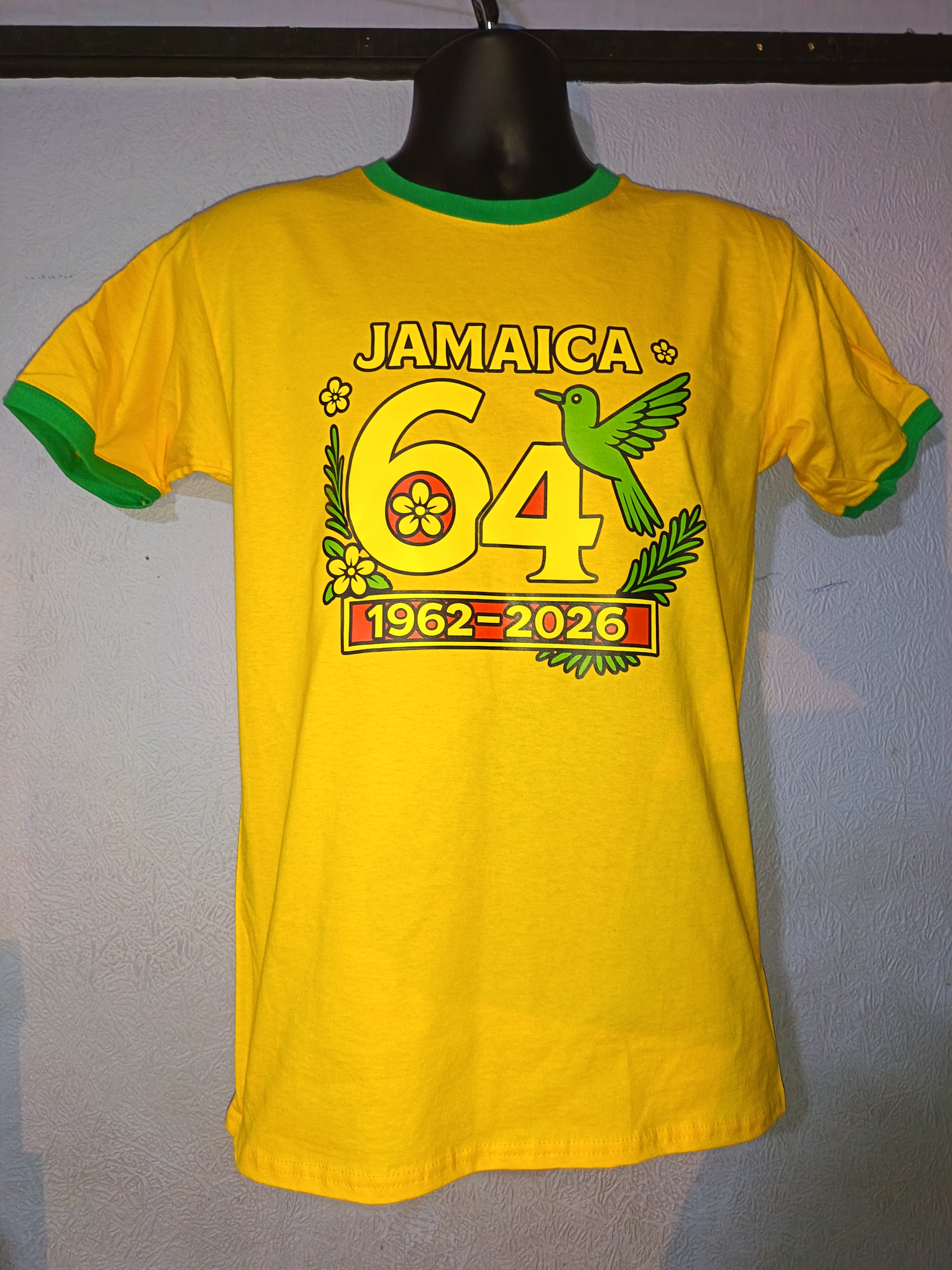
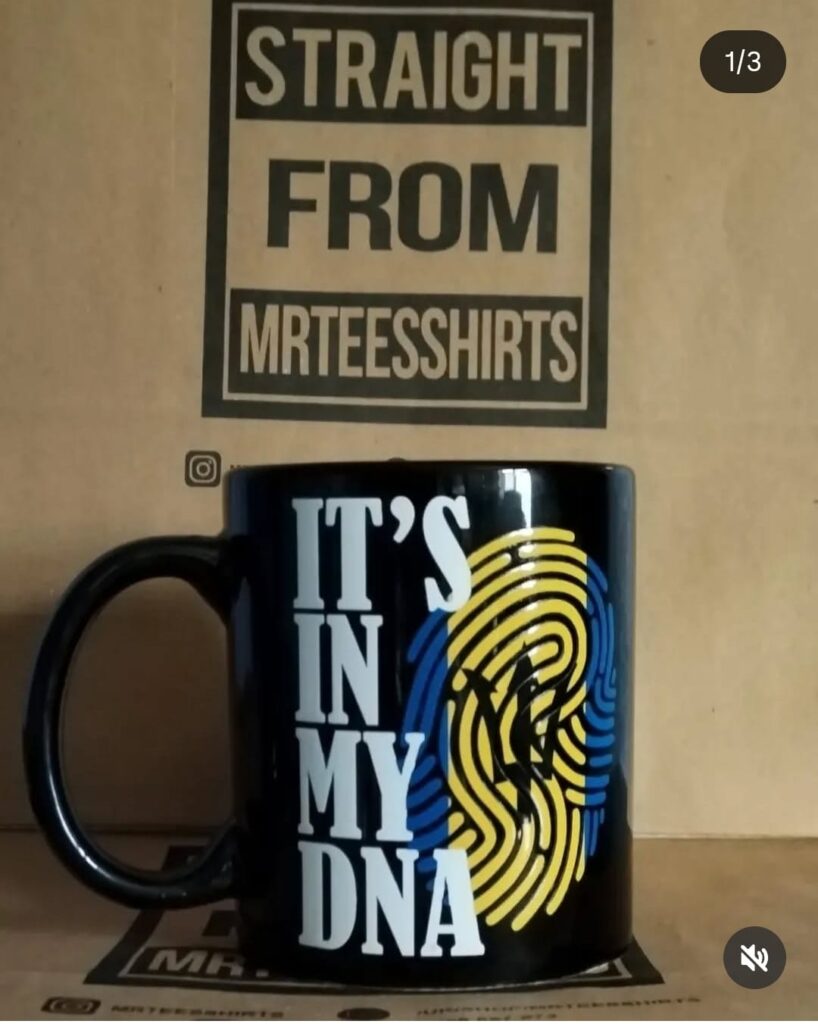
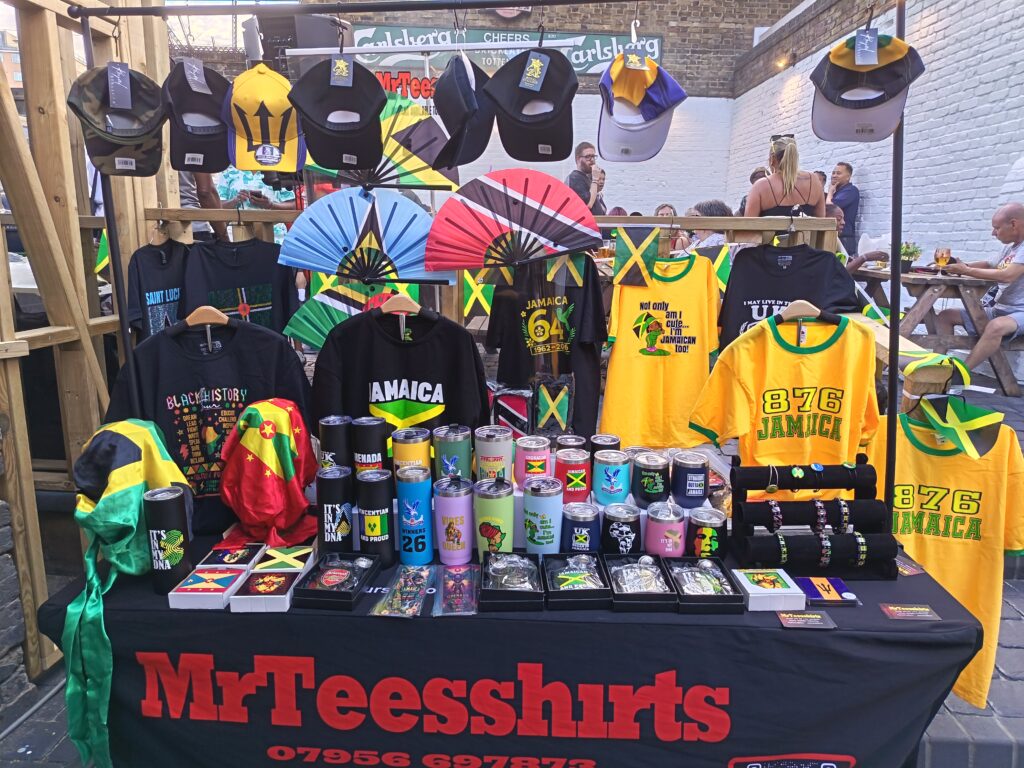
Examples of previous print jobs (more to be added)